Current quest · Q001
Recover important AI conversations into Living Memory.
A public method for preserving what matters from an AI conversation — without turning private content into public content.
Important AI chats often hold decisions, corrections, ideas, emotional nuance, project seeds, future work, and points where a previous direction should not regress. Living Memory turns that material into a Markdown recovery: readable, reusable, inspectable, and safe to continue from.
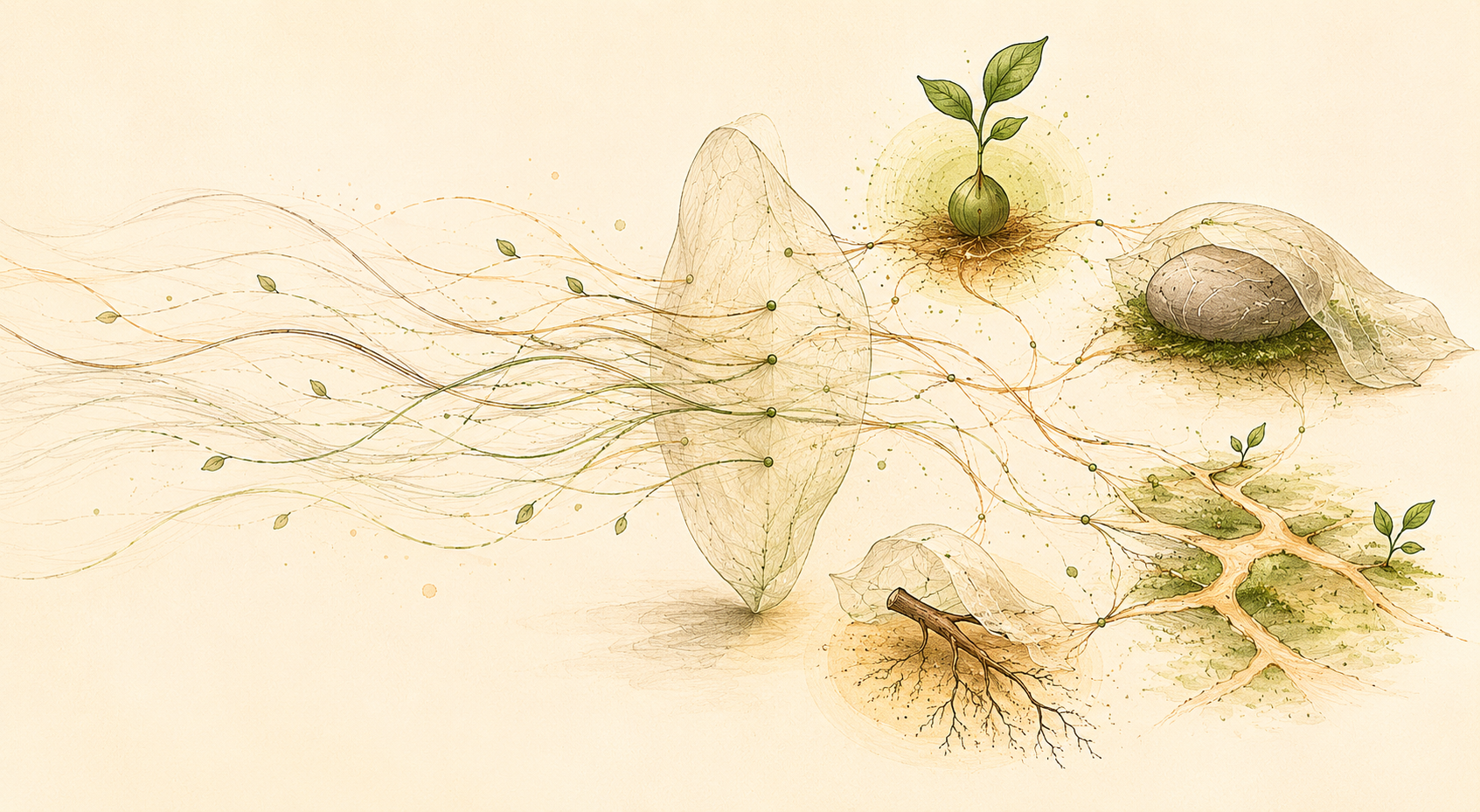
Try Living Memory in 4 steps
You only need one important AI conversation, the Living Memory Prompt, and the trigger phrase.
-
Choose an AI conversation worth keeping
Pick a project discussion, planning session, creative thread, research chat, or long AI exchange where the useful parts are now buried.
-
Give the AI the Living Memory Prompt
Attach the Markdown file, paste it into the chat, or link to it. If you use a link, open the readable prompt page and copy its link from your browser. Read the Living Memory Prompt →
On mobile, use the attach / + / file button if available. If attachments do not work, paste the prompt text.
-
Type this
In that same chat, type:
Recover this chat -
Review and reuse the recovery
The AI returns a Markdown memory draft: what mattered, what changed, decisions, corrections, artifact seeds, a suggested title, and a continuation point.
You review it. You correct it. You hide or anonymize what should stay private. Then you can use it to continue in a fresh chat, move between assistants, or hand off to a collaborator. If you update a recovery later, keep the prior version visible — a dated note of what changed is enough.
Inspect before you download
The Living Memory Prompt and the public anonymized sample should be readable in the browser. Download the Markdown only after you can see what it contains.
Both documents are rendered as readable web pages. The preview does not require downloading anything — download is one option, not the only path.
What Living Memory preserves
A recovery is not a transcript and not just a summary. It keeps the parts that make future continuation possible, allows the memory to be updated, and helps avoid regressions.
Decisions
What was chosen, corrected, rejected, or left open.
Seeds
Ideas that may become quests, reusable results, posts, projects, prompts, or future work.
Context
Why something mattered, what changed, what should not be lost, and what should not regress.
Next continuation
A clear place to resume from, without rereading the whole conversation.
Updates
Recoveries can be updated as the conversation, project, or spec evolves.
Method public. Content private by default. Lineage visible.
Privacy
The recovery method can be public without making the source conversation public. The owner decides what is shared, summarized, anonymized, or kept private.
Lineage
Q001 includes a lineage scan so Verdecito can learn from adjacent work instead of pretending to invent from nothing.
Already in use
This did not start as a product idea.
Living Memory grew from a real need: important AI conversations were producing decisions, workflows, corrections, images, prompts, and project direction faster than a person could manually preserve them.
- A working recovery format already exists.
- It has been used across active Verdecito and derived personal workflows.
- It preserves nuance, not only tasks.
- It can include a small “regalito”: an original AI reflection, synthesis, or related seed offered back from the conversation.
- It separates public method from private content.
- Q001 turns that working practice into a public prompt, sample, guide, and method.
What Q001 is preparing
The goal is a small, inspectable release that others can try, fork, adapt, and improve.
- The Living Memory Prompt, readable before download.
- A simple 4-step guide for trying it.
- A real public anonymized sample recovery.
- Usage notes for privacy, attribution, and continuation.
- A feedback path for early users.
- A lineage note comparing this work with related methods and tools.
What this is not
- Not a transcript archive.
- Not a task manager.
- Not a chatbot memory feature.
- Not a meeting summarizer.
- Not a second brain replacement.
- Not a PKM product.
- Not an AI memory database.
- Not a raw publication of private conversations.
- Not a claim that this method is new from zero.
It is a way to carry forward what a conversation opened.
Help improve the method
Q001 is open to useful feedback: what it misses, what it resembles, where it overclaims, and how it could become more useful without losing privacy or depth.